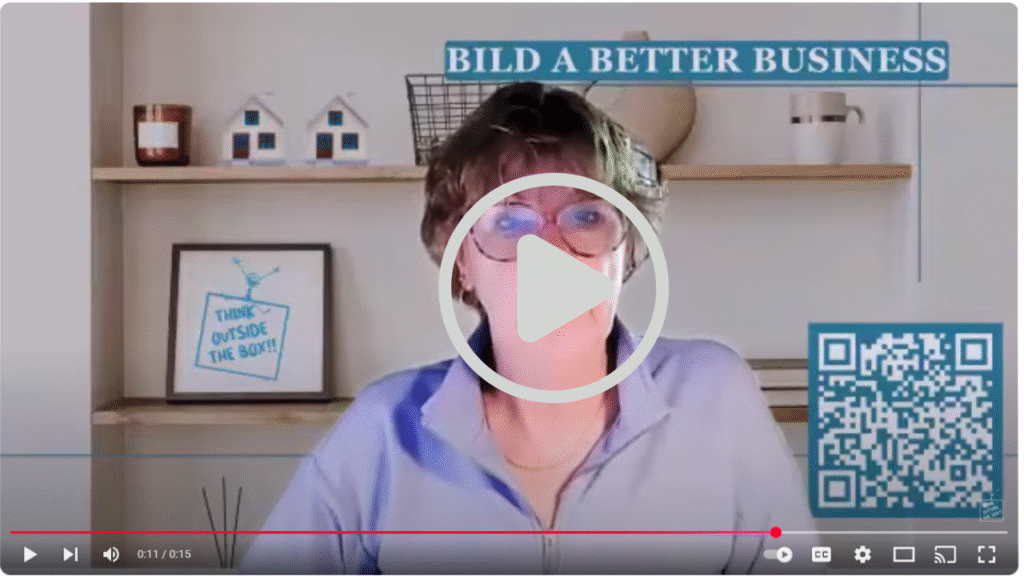
✨ Here’s how to do it:
Step 1: Record Your 20–30 Second Video
Keep it warm, on-brand, and casual. Example:
“Hey, I’m Sandy, if you’re reading this, chances are we’ve connected about real estate marketing. I specialize in Done-For-You content that keeps agents visible without burning out. Let’s stay in touch!”
Step 2: Upload It to a Host
→ Use a platform like YouTube (set as unlisted), Loom, or Vimeo.
These give you a clean, shareable link.
Step 3: Create a Play Button Thumbnail
Take a screenshot of your video, then overlay a play button icon using Canva or any photo editor. Save it as a small JPG or PNG.
Step 4: Link the Image in Your Signature
In your email signature:
- Insert the image (your thumbnail)
- Highlight it, click the link icon, and paste your video link

📩 It looks like a playable video, but clicking it will open the video in a new tab. Super clean. Very pro.
If you like this idea but either don’t have the time, doesn’t sound like fun, or just don’t want to do it yourself, let me know – I LOVE doing things like this!!

And this is the actual video on YouTube.